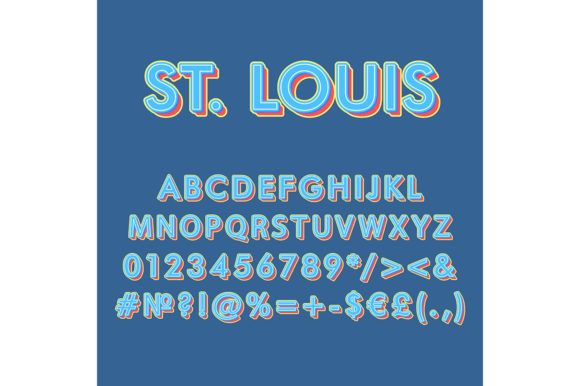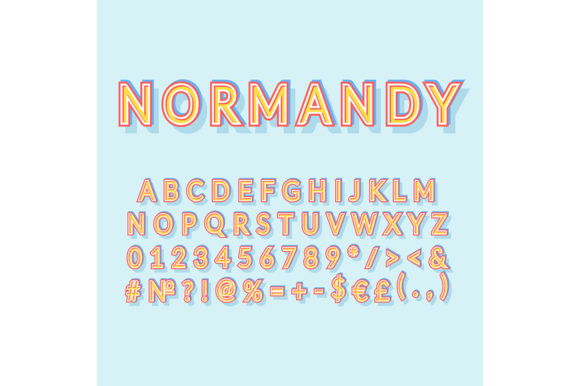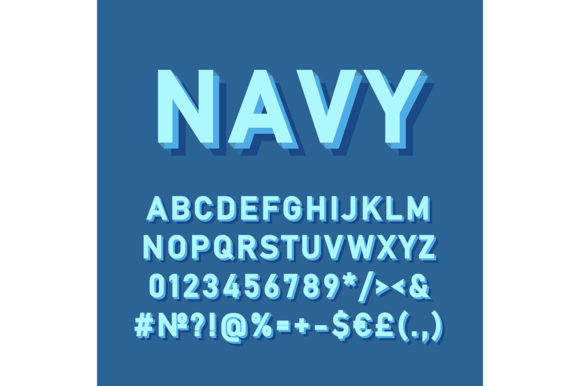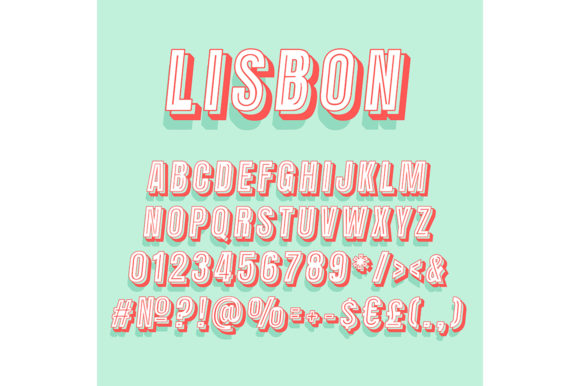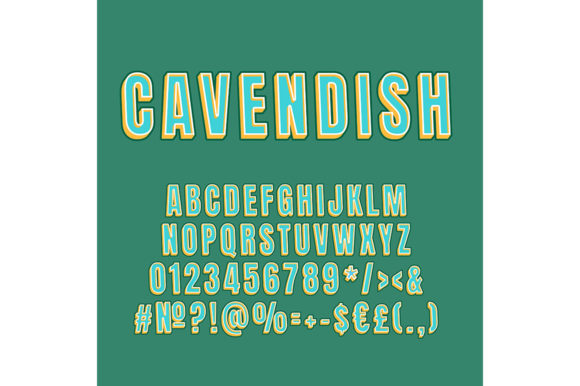
Cavendish Vintage 3D Vector Alphabet Set
Typography isn’t just about legibility—it’s about voice, texture, and presence. The Cavendish Vintage 3D Vector Alphabet Set delivers all three with unmistakable character: hand-crafted depth, subtle aging cues, and crisp vector precision. Unlike generic 3D fonts that rely on heavy shadows or exaggerated bevels, Cavendish balances nostalgic charm—think weathered signage, pressed metal lettering, and mid-century shop fronts—with the scalability and editability designers need for real-world projects.
What Makes This Set Stand Out
Each letter is a fully layered vector object in Adobe Illustrator format, built with editable paths, grouped extrusions, and non-destructive shading. You’re not stuck with preset lighting angles or fixed gradients. Want warmer gold tones for a bakery logo? Adjust the highlight layer’s opacity and shift the gradient stop. Need flatter contrast for screen use? Toggle off the inner shadow group without losing structural integrity.
The “vintage” element isn’t just aesthetic—it’s intentional design logic. Letters include slight asymmetries, gentle tapering on stems, and softened corners reminiscent of die-cut metal or routed wood. There are no perfect circles or mathematically uniform curves. That imperfection builds authenticity—and makes your work feel human-made, not algorithm-generated.
Creative Uses Across Real Projects
This set shines where personality matters more than neutrality. Here’s how different users apply it meaningfully:
- Small business owners use individual letters to build custom monograms for packaging—like “B” + “R” + “E” stacked vertically on a coffee bag, with copper foil treatment simulated via the gold vector layer.
- Educators and workshop leaders isolate single characters to create tactile learning aids: print, cut, laminate, and mount letters on corkboards for spelling or typography lessons that emphasize form, weight, and dimension.
- Bloggers and content creators repurpose the “C”, “V”, or “S” as branded section dividers—scaling them to 400% width behind pull quotes or chapter headers, then reducing opacity to 15% for subtle texture without visual competition.
- Freelance designers combine Cavendish letters with flat sans-serif type (e.g., Inter or Manrope) to establish hierarchy: vintage 3D for headlines, clean vector type for body copy—creating contrast that guides attention without sacrificing readability.
Adapting for Different Platforms & Audiences
A letter that works beautifully on a vinyl banner may overwhelm a mobile app interface. Context shapes adaptation—and Cavendish supports that flexibility:
For print and packaging, leverage the full depth: use CMYK-optimized swatches included in the set, align drop shadows to match physical light direction on product displays, and export at 300 DPI with embedded fonts disabled (since everything is vector-based, no font substitution is needed).
For digital use, simplify. Collapse extrusion layers into flat compound paths where fine detail won’t render clearly below 48px. Use the provided “Screen-Optimized” version (included in most licenses), which reduces anchor points by 30% while preserving silhouette fidelity—critical for SVG exports in web headers or email banners.
For social media graphics, treat letters as modular assets—not full words. Rotate “O” 15° and place it behind a product photo as a framing device. Duplicate “A” and flip it horizontally to create mirrored symmetry in Instagram story templates. These micro-uses keep branding consistent without demanding full-word rendering.
Staying Consistent Without Sounding Repetitive
Using vintage 3D type across multiple touchpoints risks visual fatigue if applied uniformly. The key is establishing *rules*, not restrictions:
- Limit 3D usage to primary identifiers: logo, hero headline, or signature icon—never body text, captions, or navigation labels.
- Anchor color to brand palette: If your brand uses navy and cream, recolor Cavendish letters using those exact HEX values—not approximations. Consistency starts with precision.
- Maintain spacing discipline: The set includes recommended tracking values per point size (e.g., +40 at 72pt, +120 at 200pt). Use these as baselines—not absolutes—but don’t ignore them entirely. Tight tracking kills legibility; excessive spacing breaks cohesion.
Practical Tips for First-Time Users
If you’re opening the file for the first time, start small. Don’t try to build an entire poster in one session. Instead:
- Open the “Quick Start Guide” layer (tucked inside the Illustrator file) — it shows real-time examples of layer toggles, color swaps, and scaling boundaries.
- Test export settings early: Save one letter as SVG, then open it in Chrome DevTools. Check how it renders at 32px, 64px, and 128px—this reveals pixel-hinting quirks before final delivery.
- When animating in After Effects or Figma, convert letters to shape layers *before* applying 3D rotation—this preserves vector sharpness during motion, unlike rasterized imports.
Remember: Cavendish Vintage 3D Vector Alphabet Set isn’t meant to replace your core type system. It’s a specialist tool—like a well-balanced chisel versus a power drill. Use it where craftsmanship, warmth, and dimensional distinction elevate meaning. A restaurant menu benefits from its tactile weight. A fintech dashboard does not. Knowing when *not* to use it is part of using it well.
Keeping It Original—Without Reinventing the Wheel
Originality rarely comes from inventing something entirely new. It comes from thoughtful combination. Try pairing Cavendish letters with unexpected textures: overlay a scanned linen scan (at 5% opacity) to suggest handmade stationery, or add a faint halftone pattern beneath the shadow layer to evoke vintage presswork. These tweaks take under two minutes but shift perception significantly.
You can also reinterpret scale relationships. Instead of setting “WELCOME” in uniform size, make the “W” 2.3× taller than the rest, then reduce its stroke weight slightly—echoing hand-painted storefront signs where the first letter commands attention. That kind of intentional imbalance feels considered, not accidental.
Finally, document your adaptations. Save color variants as named swatches (“Cavendish Gold – Matte”, “Cavendish Slate – Flat”), and store layer states as “View” presets in Illustrator. Future-you—working on a seasonal campaign or client revision—will move faster and stay aligned with past decisions.